





A lightweight batch download manager with flexible filtering and mass-renaming options for easier, more efficient downloads.
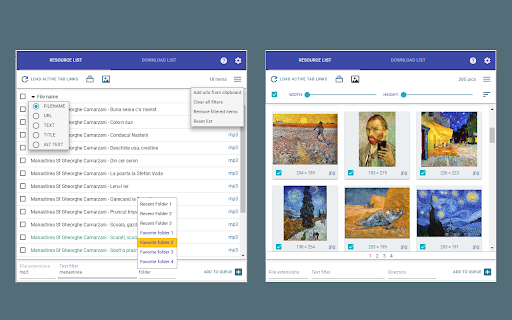
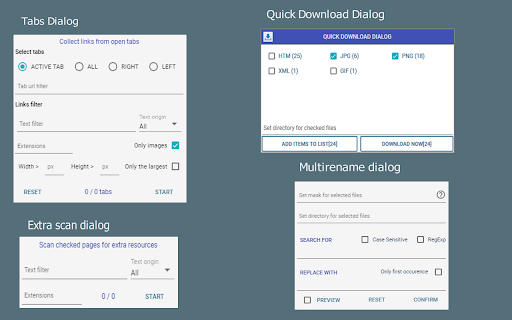
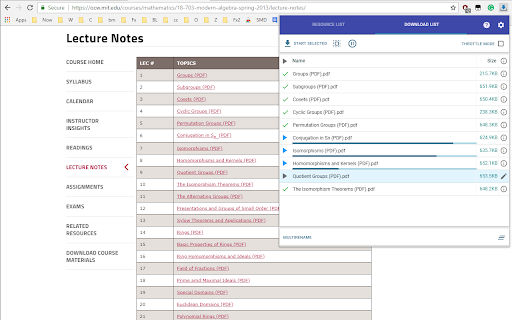
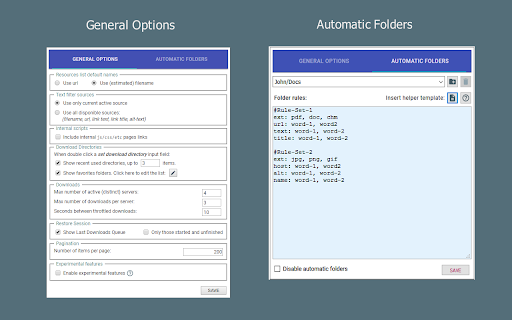
Collect, filter, rename, and download many files without opening each link by hand. It works with links from the current page, selected text, open tabs, the clipboard, local files, and generated URL patterns. Main features: ● Extract links and images from web pages, selections, tabs, clipboard, local files, or URL patterns. ● Filter resources by URL, text, file type, category, image size, width, or height. ● Rename files in bulk using flexible name masks. ● Organize downloads with Favorite Folders and Automatic Folders. ● Manage downloads with pause, resume, retry, cancel, server limits, and sequential mode. ● Export selected links for use in external download managers. Limitations: ● It cannot download streaming media or embedded videos. ● It may not detect links generated dynamically by JavaScript after user interaction. Important: Before using batch downloads, disable “Ask where to save each file before downloading” in Chrome’s download settings. Otherwise Chrome will show a separate “Save As” dialog for each file.